If you log into the sales system and feel unsure about what all those numbers, charts, and tabs really mean, you’re not alone. Many users open the dashboard, glance around, and don’t know where to start. This guide is written to change that.
In this article, you’ll get a clear, simple explanation of the sales dashboard, what each section does, and how you can use it confidently in your daily work.
What is the Sales Dashboard and Why Does It Matter?
The sales dashboard is your main control panel. It brings all important sales information into one place so you can see performance, targets, and activity at a glance.
Instead of checking multiple reports or asking others for updates, the dashboard shows you everything in real time.
Simple Meaning of a Sales Dashboard
Think of the dashboard as your sales “home screen.”
It summarizes your sales data using numbers, charts, and lists.
You don’t need technical skills to use it. It is designed for quick understanding.
Who Uses the Sales Dashboard?
Different users rely on it in different ways.
- Sales representatives track daily orders and targets
- Managers review team performance and trends
- Supervisors monitor progress and identify issues early
No matter your role, the dashboard helps you make faster and better decisions.
What Information Can You See on the Dashboard?
The dashboard is not random data. Each section has a clear purpose.
It shows what is happening now, what has already happened, and what needs attention.
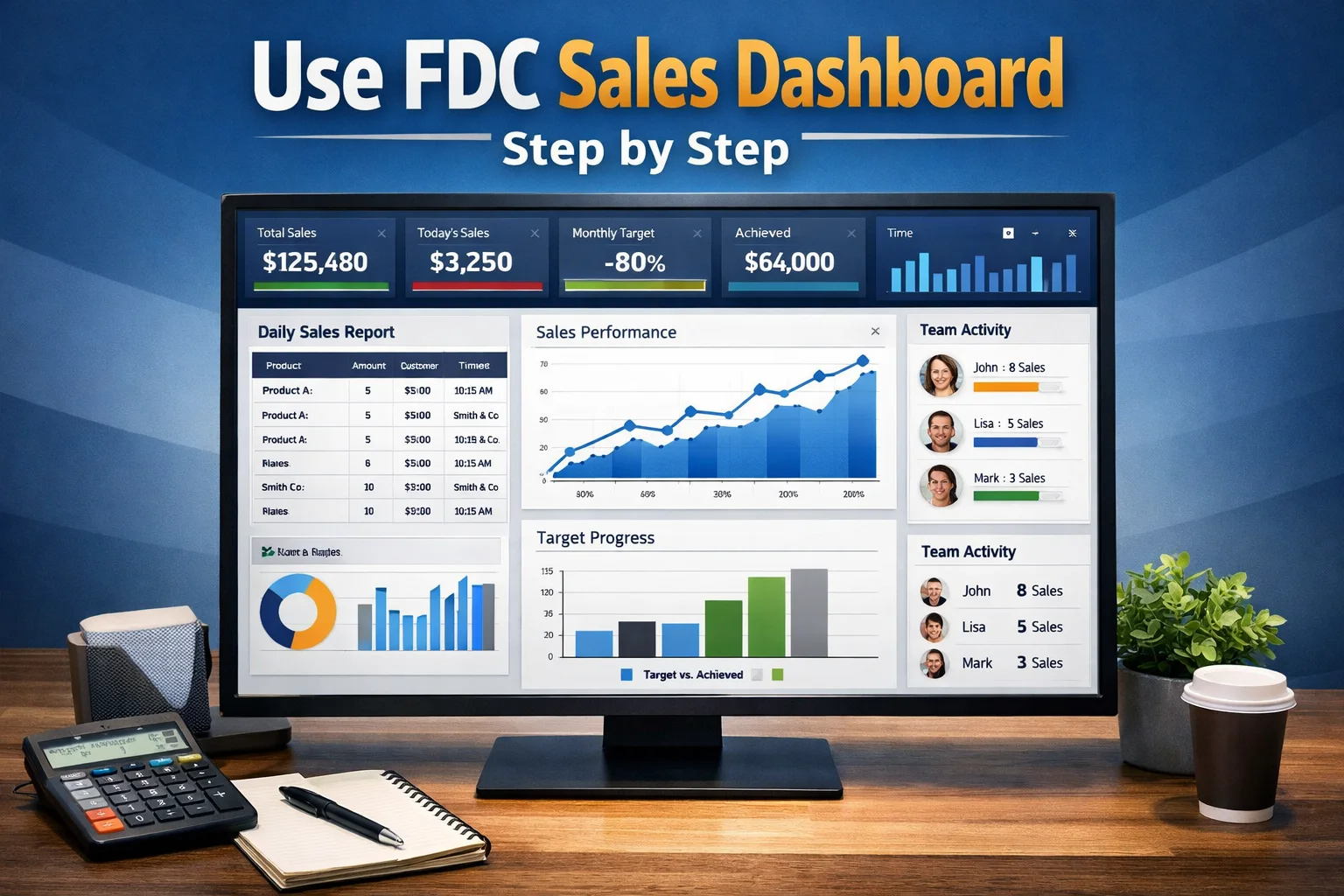
Sales Summary and Performance Overview
This is usually at the top.
You’ll see:
- Total sales
- Today’s sales
- Monthly progress
- Target vs achievement
This section answers one simple question: How are we doing right now?
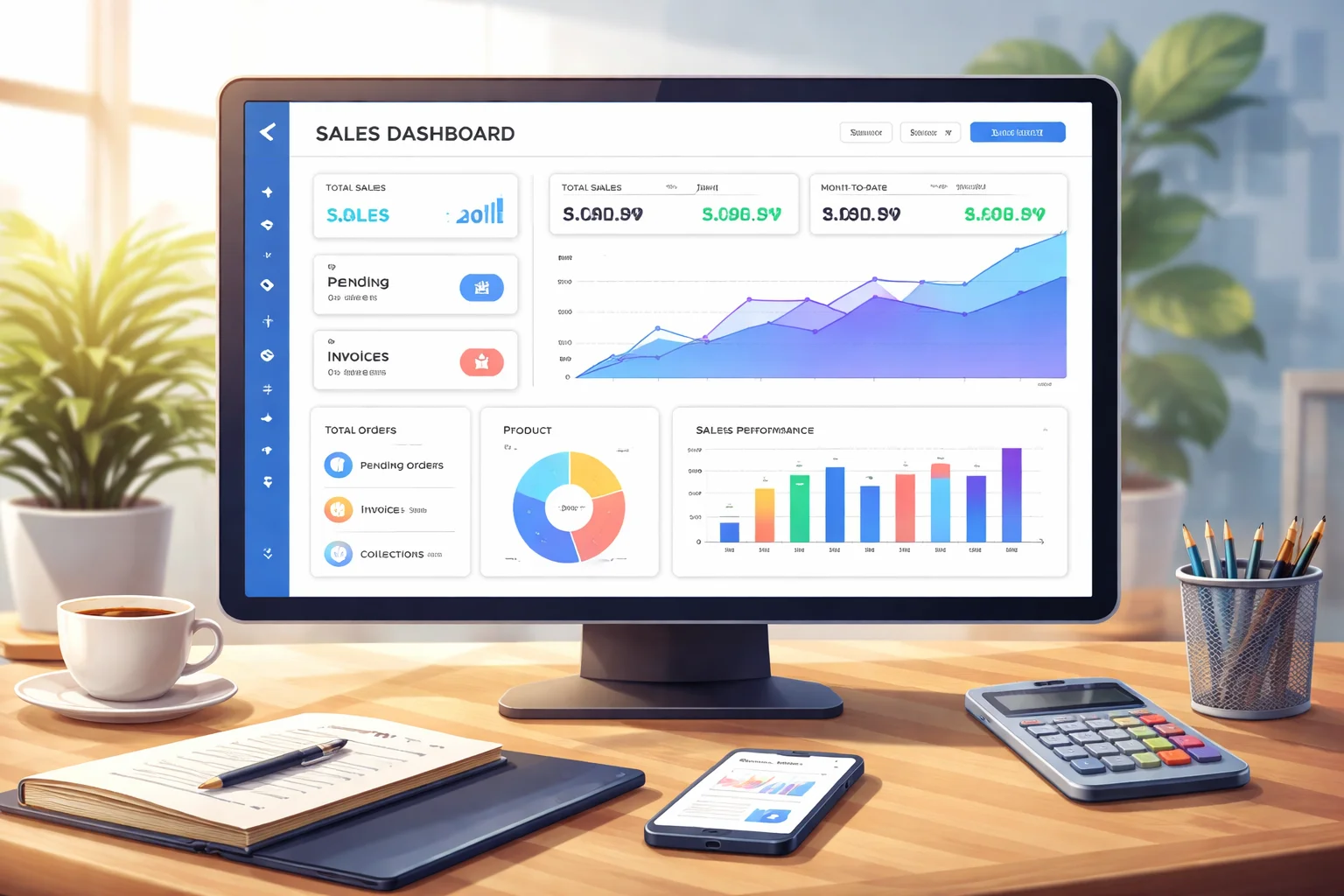
Orders, Invoices, and Collections
Here you can track:
- New orders
- Pending orders
- Completed invoices
- Payment status
It helps you follow the full sales cycle from order to payment.
Product and Territory Performance
This part shows:
- Which products are selling more
- Which areas or territories are performing better
- Where sales are slow
This is very useful for planning visits and promotions.
What Are the Main Features of the Sales Dashboard?
The dashboard is more than just numbers. It has tools that make your work easier and faster.
Real-Time Data Updates
You don’t have to wait for end-of-day reports.
As soon as a sale is entered, it appears on the dashboard.
This keeps everyone on the same page.
Visual Charts and Graphs
Instead of long tables, the system uses:
- Bar charts
- Line graphs
- Pie charts
These help you understand trends quickly without reading too much.
Filters and Search Options
You can filter data by:
- Date
- Product
- Territory
- Customer
This makes it easy to focus only on what you need.
Quick Links to Important Sections
Most dashboards include shortcuts to:
- Order entry
- Customer list
- Reports
- Profile settings
This saves time and reduces clicks.
How Do You Use the Sales Dashboard in Daily Work?
Many users only look at the dashboard but don’t really use it.
Here’s how it can support your daily routine.
Starting Your Day with the Dashboard
When you log in, first check:
- Yesterday’s performance
- Today’s target
- Pending orders
This helps you plan your visits and calls.
Tracking Your Progress During the Day
During the day, you can see:
- How close you are to your target
- Which orders are completed
- Which customers still need follow-up
It keeps you focused and motivated.
Reviewing Performance at the End of the Day
Before logging out:
- Check total sales
- Review missed opportunities
- Note issues to fix tomorrow
This builds a habit of self-review.
Common Confusion About the Sales Dashboard
Many users get stuck because of small misunderstandings.
Let’s clear a few of them.
“Why Is My Data Not Showing?”
Usually, this happens because:
- Data is not yet synced
- Filters are applied
- The date range is wrong
Always check filters first.
“Why Are My Numbers Different from Others?”
Different roles see different data.
For example:
- A rep sees only their own sales
- A manager sees team sales
This is normal and intentional.
“Do I Need Training to Use It?”
Basic use does not require training.
If you can read numbers and click links, you can use the dashboard.
With time, it becomes very natural.
How the Sales Dashboard Helps Improve Performance
The biggest benefit is clarity.
When you clearly see your performance, you naturally improve.
Better Planning
You can:
- Focus on weak areas
- Push strong products
- Manage time better
This leads to smarter work, not just harder work.
Faster Problem Detection
If sales drop, you see it immediately.
This allows:
- Quick action
- Early correction
- Less pressure at month end
Improved Accountability
When data is visible, everyone stays responsible.
There is no guesswork. Everything is transparent.
FAQs About the Sales Dashboard
Is the sales dashboard updated automatically?
Yes, in most systems the dashboard updates automatically as new data is entered. You do not need to refresh manually.
Can I customize what I see on the dashboard?
Some versions allow limited customization, such as changing date ranges or filters. Full layout changes depend on system settings.
What should I do if the dashboard is not loading?
First, check your internet connection. If the issue continues, log out and log in again. If it still doesn’t load, contact your support team.
Final Thoughts
The sales dashboard is not just a screen with numbers.
It is a daily working tool designed to guide you, support you, and improve your performance.
Once you understand what each section means, using it becomes easy and natural.
Instead of guessing, you work with clarity.
If you use the FDC sales system, this dashboard is your strongest companion. Learn it, trust it, and let it guide your day.