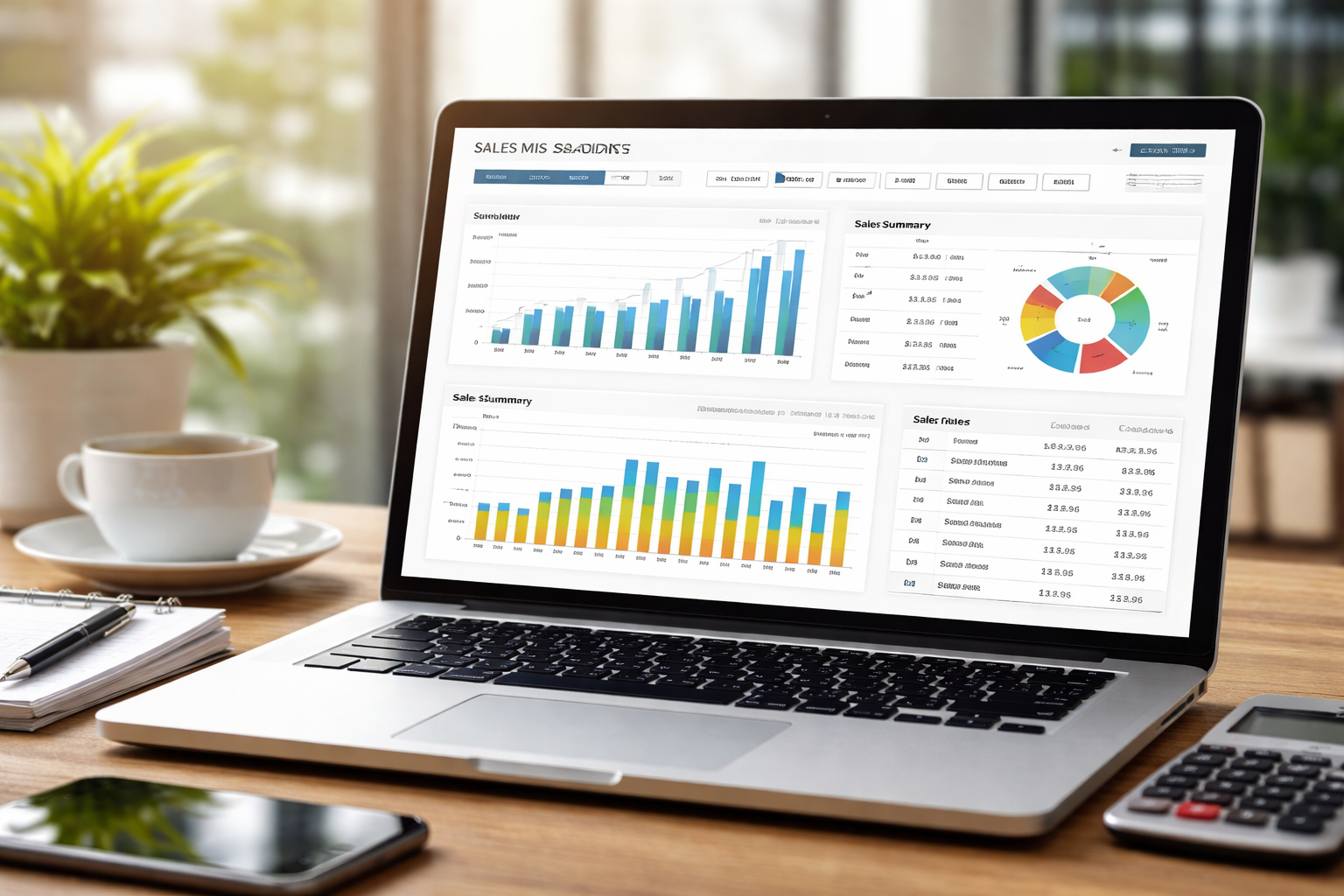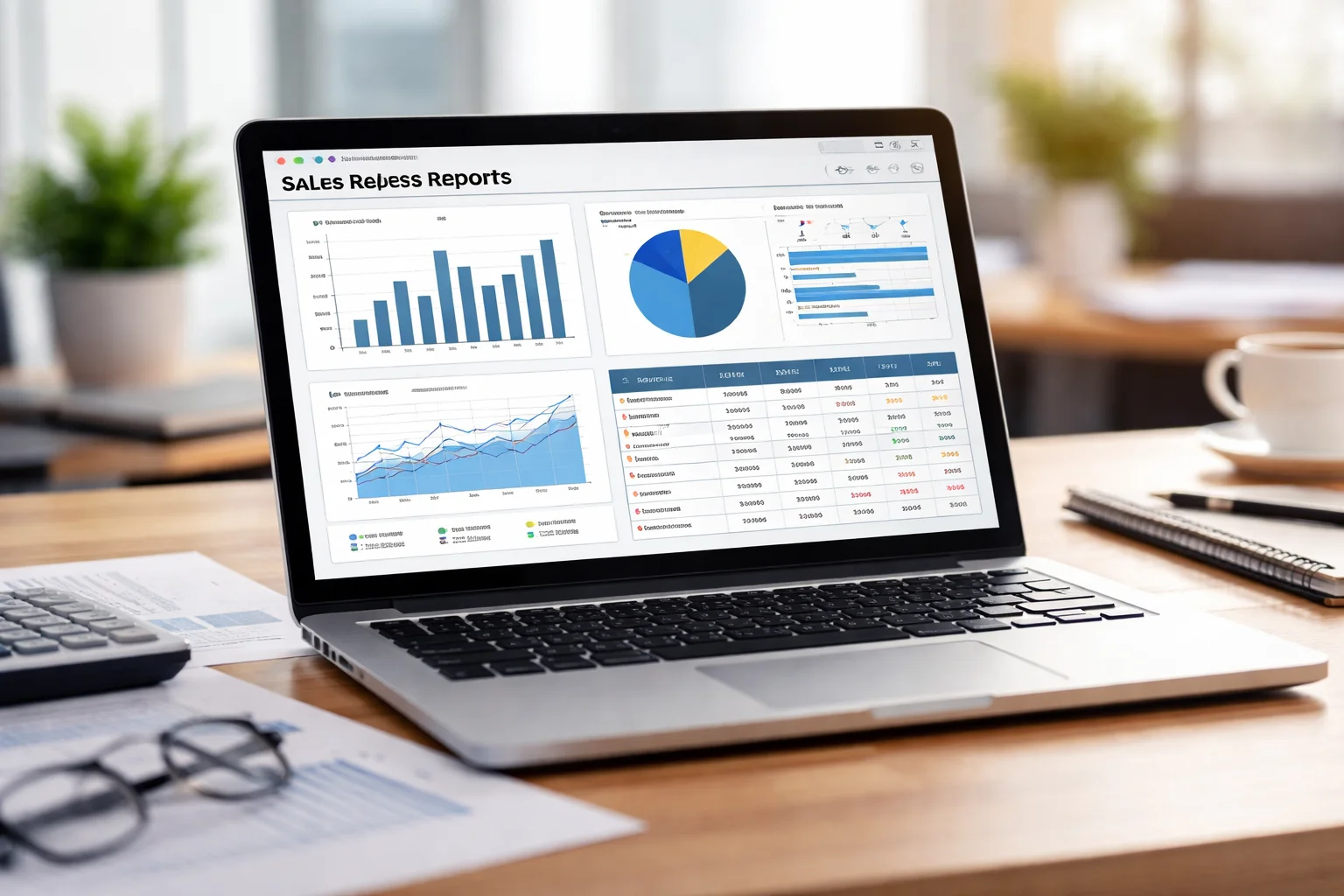
If you work with the FDC sales system, you’ve probably opened a report and thought, “What exactly am I looking at?” Sales figures, dealer data, targets, stock numbers – it can feel overwhelming at first.
This guide explains FDC sales reports and data in a clear, simple way. By the end, you’ll know what each report means, how to read it, and how to actually use the data in your daily work.
No technical jargon. No confusion. Just practical understanding.
What Are FDC Sales Reports and Why Do They Matter?
FDC sales reports are structured summaries of sales activity. They show what was sold, where it was sold, who sold it, and how it compares to targets.
These reports help you answer basic but important questions:
- Are sales going up or down?
- Which areas are performing well?
- Where are the problems starting?
Without reports, you are guessing. With reports, you are deciding.
How FDC Collects and Organizes Sales Data
Every sale entered in the system becomes part of the data. This includes product type, quantity, dealer, date, and location.
The system then groups this data into different reports so you can view it from multiple angles. Think of it as the same information, just shown in different ways.
Who Typically Uses These Reports?
Different people use these reports for different reasons:
- Sales officers check daily performance.
- Managers track team progress.
- The head office monitors overall business health.
Each role looks at the same data, but with a different purpose.
Types of Sales Reports You’ll See in the System
Not all reports are the same. Each one serves a specific need.
Understanding the types makes everything easier.
Daily, Weekly, and Monthly Sales Reports
These are time-based reports. They show how much was sold in a specific period.
Daily reports help with short-term tracking. Monthly reports show bigger trends.
For example, if sales drop for three days in a row, you can investigate quickly.
Dealer and Area-Wise Reports
These reports break sales down by dealer or region. They help answer questions like:
- Which dealer is performing best?
- Which area needs support?
This is useful for planning visits, promotions, or follow-ups.
Product and Category Reports
These reports focus on what is being sold. They show performance by product type or category.
For example, you might notice that one product sells well in urban areas but not in rural ones.
That insight matters.
How to Read FDC Sales Data Without Getting Confused
Many users see numbers and feel lost. But once you know what to look for, it becomes simple.
Understanding Columns, Rows, and Totals
Each row usually represents one record, such as a dealer or a date. Each column shows a specific detail like quantity, value, or target.
Totals are often at the bottom. These give you quick summaries.
Always check what each column label means before assuming.
Sales Volume vs Sales Value – What’s the Difference?
Sales volume is the quantity sold. Sales value is the money earned.
You might sell many units but earn less if the product is low-priced. Or sell fewer units but earn more from premium products.
Both numbers are important. They tell different stories.
Targets, Achievements, and Variance Explained
Targets are what you aim for. Achievements are what you actually sold. Variance is the gap between the two.
If variance is negative, you are behind. If it’s positive, you’re doing well.
This simple comparison drives most performance discussions.
How to Use Reports for Better Daily Decisions
Reports are not just for record-keeping. They are tools for action.
Identifying Slow Areas and Taking Action
If one area shows low numbers, don’t ignore it. It could mean stock issues, dealer problems, or market changes.
A quick call or visit can often fix the issue before it grows.
Tracking Performance of Sales Teams
You can see which team members are active and who needs support. This is not about blame. It’s about guidance.
Strong performers can share methods. Struggling ones can get training.
Using Data to Plan Routes and Visits
Instead of random visits, use data. Visit high-potential areas more often. Support weak dealers.
This saves time and improves results.
Common Problems Users Face with Sales Reports
You’re not alone if reports feel tricky. Most users face similar issues.
Why Numbers Sometimes Don’t Match Expectations
This usually happens because:
- Data was entered late
- Sales were recorded in the wrong area
- Filters were applied without noticing
Always check the date range and filters first.
Missing Data or Blank Fields – What It Usually Means
Blank fields often mean:
- No sales were recorded
- The dealer is inactive
- Data entry was skipped
It doesn’t always mean an error. Sometimes it simply means no activity.
Overloaded Reports and How to Simplify Them
Some reports show too much at once. Use filters to narrow by date, area, or product.
Less data = more clarity.
Best Practices for Working with FDC Sales Data
Good habits make reports more useful.
Checking Reports at the Right Time
Daily checks are best done at the end of the day. Monthly reports should be reviewed after closing.
This avoids half-updated numbers.
Keeping Data Clean and Accurate
Always enter sales correctly and on time. Small mistakes add up.
Clean data = reliable reports.
Sharing Reports with Teams the Smart Way
Don’t just forward numbers. Explain what they mean.
A short explanation helps teams understand and act.
FAQs
Why do my sales reports look different from my colleague’s?
This usually happens because of different filters or date ranges. Always check settings before comparing.
Can I download or export FDC sales reports?
In most setups, yes. Look for export or download options in the report menu.
What should I do if I find an error in the report?
First, check the original data entry. If it’s still wrong, report it to your system admin for correction.
Conclusion
FDC sales reports and data are not just numbers on a screen. They are a clear picture of what is happening in the field.
Once you understand how to read them, they become powerful tools. You can spot problems early, support your team better, and make smarter decisions.
Take your time with them. The more you use them, the easier they become.
And that’s when data starts working for you, not against you.