
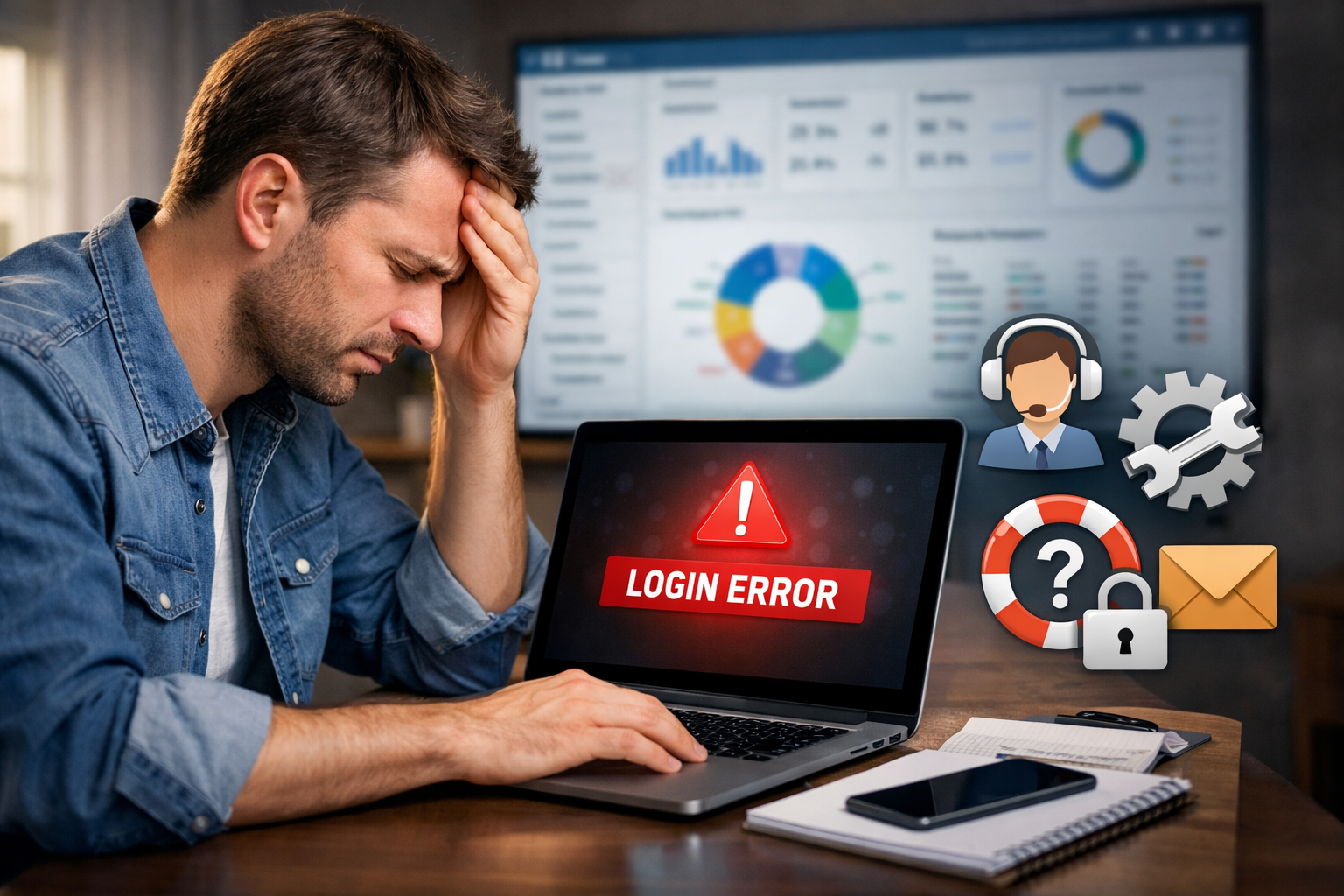
You try to log in, the page loads, and then… nothing. No error message. No access. Just frustration.
If you are facing a login problem on the FDC sales system, you are not alone. Many users struggle with simple issues that are easy to fix once you know where to look. This guide will walk you through the real causes and practical solutions, step by step, in plain language.
By the end, you will know exactly what to check and how to get back in.
Why am I unable to log in to the sales portal?
Login problems usually come from small technical or account-related issues. They feel serious, but most are easy to resolve.
Incorrect username or password
This is the most common reason.
Sometimes it is a typing mistake. Sometimes the password was changed and you forgot. Sometimes caps lock is on without you noticing.
Even one wrong character will block access.
Account not activated yet
If you recently registered, your account may still be pending approval.
Many sales systems require admin verification before allowing access. Until that happens, login will fail even if your details are correct.
Temporary system maintenance
Sales portals are often updated at night or during low-traffic hours.
During this time, login may not work at all. The page may load, but authentication fails.
This is normal and usually temporary.
What should I do if I forgot my password?
Forgetting a password is very common. The good news is that it is easy to fix.
Using the “Forgot Password” option
On the login page, click Forgot Password.
Enter your registered mobile number or email. You will receive a reset link or code.
Follow the steps and create a new password.
Make sure your new password is simple but secure.
Not receiving the reset code
If the code does not arrive:
- Check your spam folder
- Make sure your mobile number is active
- Wait at least 2–3 minutes before trying again
If it still does not come, contact support.
Why does the page load but login still fails?
This is confusing because everything looks normal, but access is denied.
Browser cache or cookie issues
Old data stored in your browser can conflict with the login system.
This can cause:
- Endless loading
- Login button not responding
- Error without message
Clearing cache and cookies often fixes this instantly.
Unsupported or outdated browser
Some portals do not work well on older browsers.
If you are using:
- An old version of Chrome
- An outdated mobile browser
- A built-in phone browser
Try switching to a modern browser and try again.
Is my account blocked or suspended?
Sometimes the issue is not technical. It is account-related.
Too many failed login attempts
If you enter the wrong password multiple times, the system may lock your account for security.
This is automatic. It usually unlocks after a few hours.
Incomplete profile or missing documents
Some sales systems require:
- Profile completion
- Document upload
- Agreement acceptance
If something is missing, access can be restricted.
Check your registration email or messages for instructions.
Why does login work for others but not for me?
This can be frustrating, especially when colleagues are accessing the system without issues.
Wrong portal link
There may be multiple portals:
- Sales portal
- MIS portal
- Dealer portal
Each has a different login page.
If you use the wrong link, your credentials will not work.
Always make sure you are on the correct page.
Region or role-based access
Some accounts are restricted by:
- Area
- Role
- Sales zone
If your role is not assigned correctly, the system may deny access.
This can only be fixed by the admin team.
How can I fix login problems step by step?
If you want a simple checklist, follow this in order.
Step 1: Double-check your credentials
Type slowly. Check caps lock. Make sure there are no spaces.
Step 2: Reset your password
Use the official reset option. Do not guess passwords.
Step 3: Clear browser cache
Clear cookies and cached files. Then close and reopen the browser.
Step 4: Try a different browser or device
If it fails on mobile, try desktop. If it fails on Chrome, try Edge or Firefox.
Step 5: Check for system updates
Ask your team if there is maintenance or an update. Sometimes the system is temporarily offline.
Step 6: Contact support
If nothing works, reach out to the support or admin team with:
- Your username
- Your registered number
- Screenshot of the error (if any)
They can check your account status directly.
Common mistakes that cause login failure
These small mistakes cause big confusion.
Using auto-filled passwords
Saved passwords can be outdated. Always try typing manually.
Copy-pasting credentials
Extra spaces often get copied. This makes the password invalid.
Using old registration details
If you changed your number or email, the old one may no longer work.
Make sure you use the latest registered details.
Real-world example
Ali is a field sales officer. He tried logging in before his morning route.
The page kept reloading. No errors. No access.
He thought the system was down.
In reality, his browser had old cached data. Once he cleared the cache and reopened the page, login worked instantly.
This is very common.
FAQs
Why does the login page open but shows a blank screen after login?
This usually happens due to browser cache issues or a slow internet connection. Clear cache and try again on a stable network.
How long does account activation usually take?
In most cases, activation is done within 24–48 hours after registration. It depends on admin approval.
Can I log in from mobile?
Yes, the system works on mobile browsers. However, for best performance, use an updated browser and stable internet.
Final thoughts
Login problems feel stressful, especially when you need quick access to sales data. But in most cases, the cause is simple and the fix is quick.
- Check your credentials.
- Clear your browser.
- Use the correct portal link.
- And if needed, contact support.
Stay calm and work through it step by step.
If you are using the official fdcsalesinfo system, following this guide will solve most login issues without any technical help.
If you need help with another part of the sales system, feel free to ask.