If you’ve recently come across the /new mis page and felt unsure about what it is, how it works, or whether you should be using it, you’re not alone. Many users open the portal expecting the old layout and get confused by the new structure, menus, or reports.
This guide explains what the new MIS portal is, why it exists, and how to use it step by step. Everything is written for real users, not technical experts.
By the end, you’ll know exactly what you’re looking at and how to use it with confidence.
What is the New MIS Portal and why was it introduced?
The new MIS portal is an updated version of the Management Information System used for sales tracking, reporting, and performance monitoring. It replaces older, slower systems with a more organized and data-friendly interface.
What “new MIS” actually means
“New MIS” does not mean a different system.
It means the same core sales data, but with a modern layout, better navigation, and improved reporting tools. You can think of it as a renovation, not a rebuild.
The data source is the same. The experience has improved.
Why users were shifted to the new version
The old system had limitations. Slow loading, limited filters, and hard-to-read reports were common complaints.
The new MIS portal was created to:
- Load data faster
- Show cleaner reports
- Reduce manual work
- Make daily tracking easier
It is designed for both field staff and managers.
How do you access the new MIS portal?
Accessing the new MIS is simple, but many users get stuck because they expect the old link or layout.
Direct access through the new MIS link
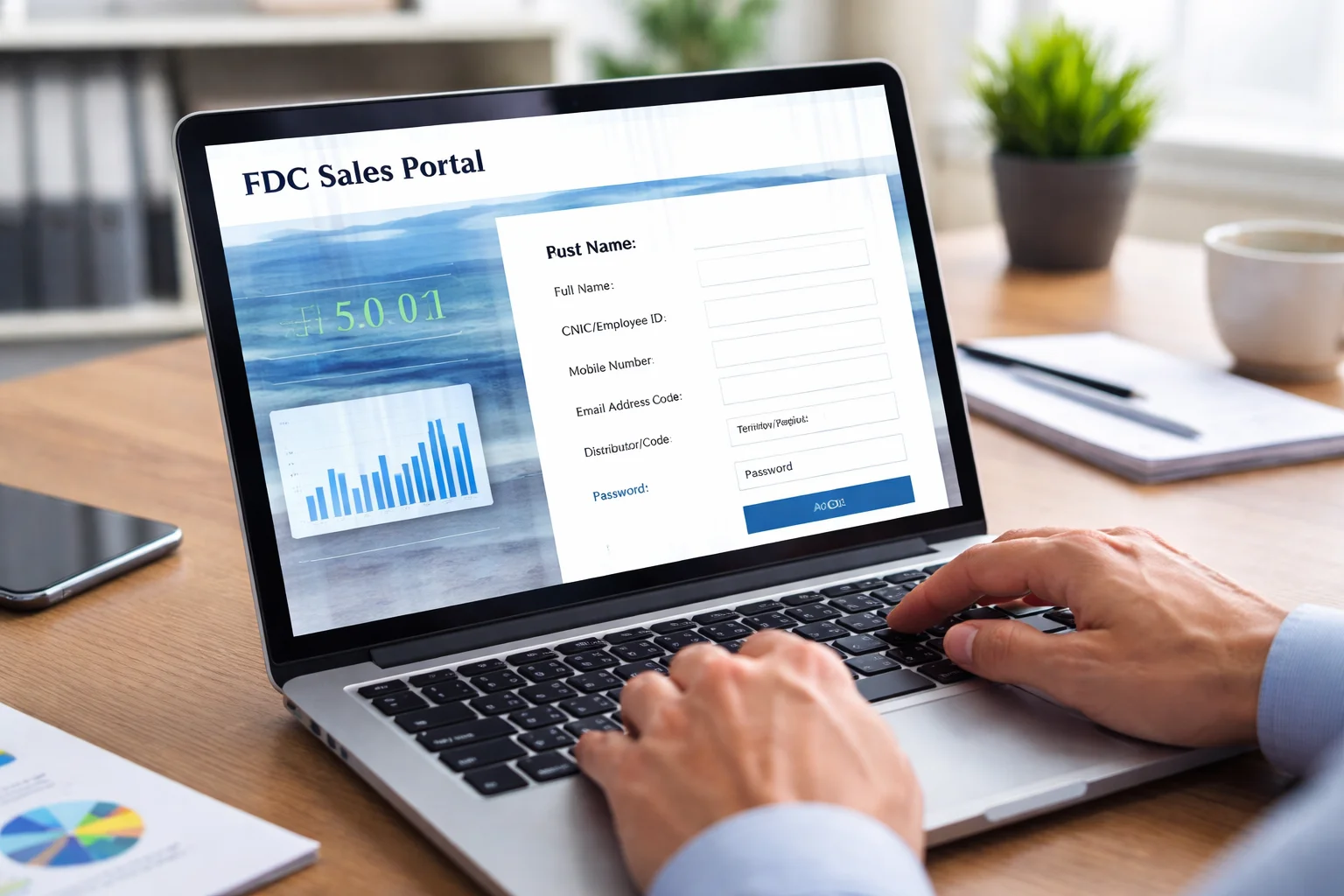
You can access the portal through the /new mis page. Once logged in, the system automatically redirects you to the new dashboard.
Some users bookmark the old page and get confused. Always use the updated link to avoid errors.
Login requirements and common issues
You use the same username and password as before. No new account is needed.
If you face issues:
- Check for extra spaces in username
- Make sure Caps Lock is off
- Try refreshing the page once
If the page does not load, it is usually due to system maintenance or network issues.
What do you see on the new MIS dashboard?
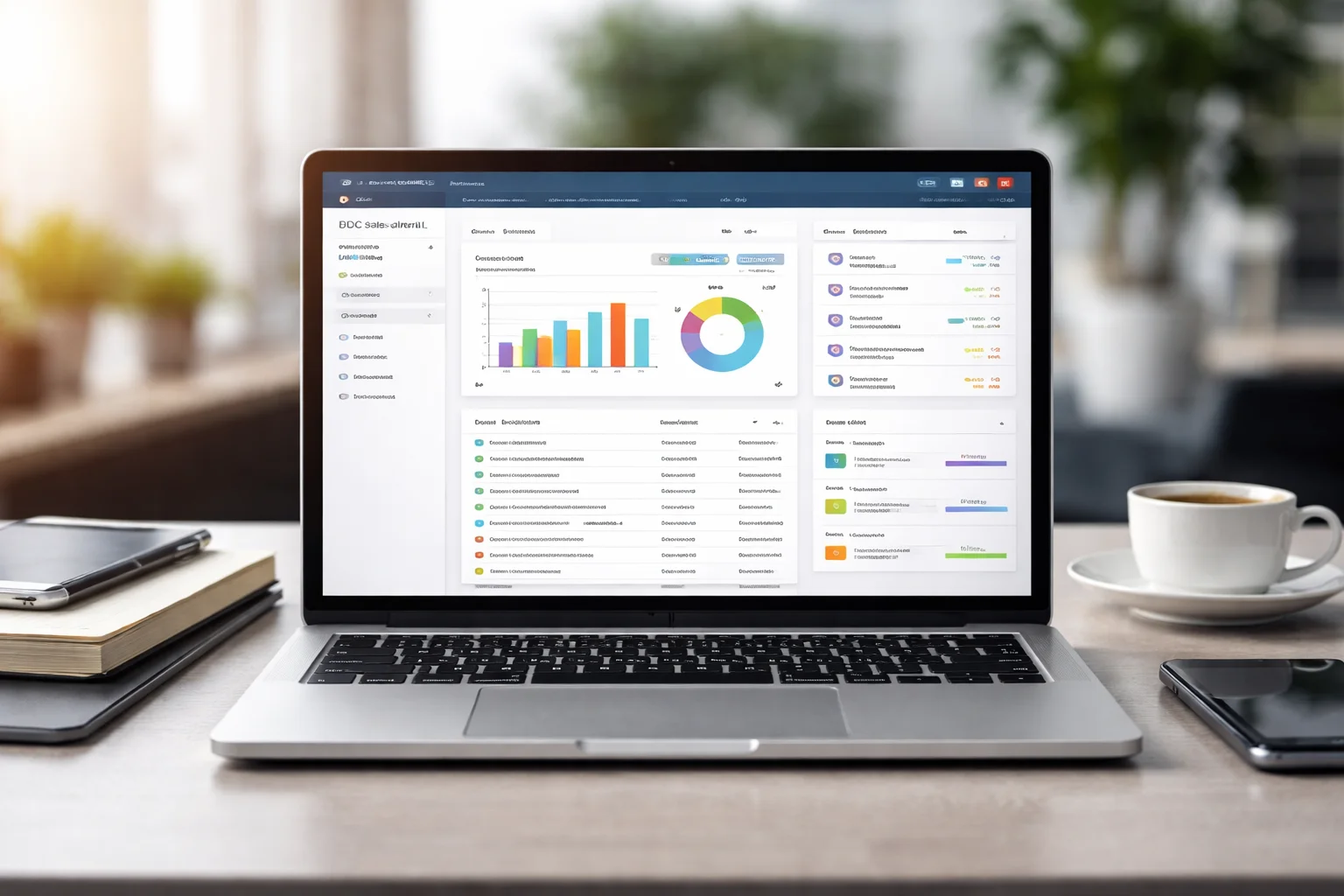
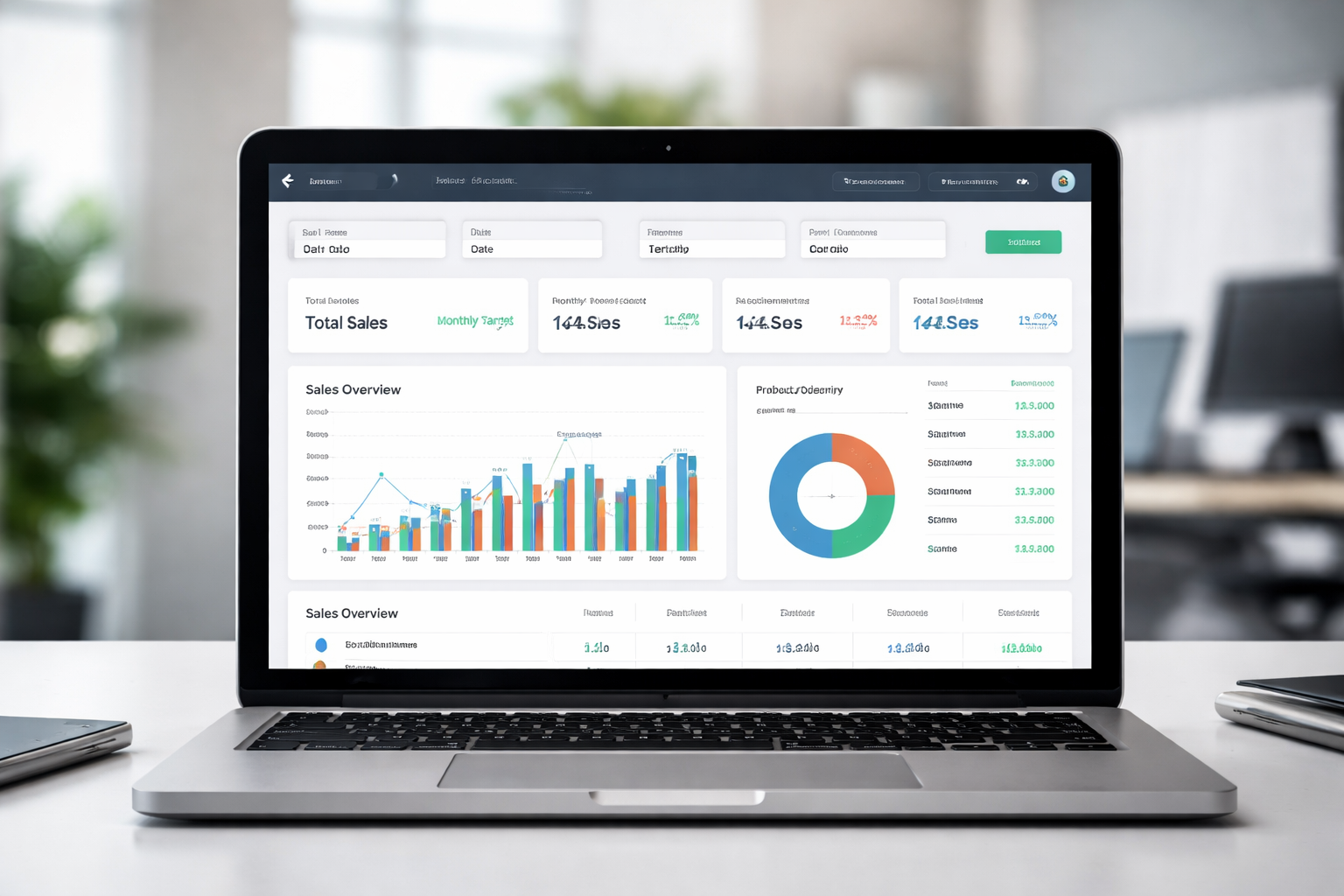
The dashboard is the main screen. It gives you a quick overview of your performance.
Main sections on the dashboard
You will usually see:
- Sales summary
- Target vs achievement
- Area or distributor performance
- Date filters
Everything is placed in cards or panels for easy reading.
How to read the numbers correctly
Many users misread the dashboard because they look at total figures without checking the date range.
Always check:
- Selected date
- Selected region or territory
- Product category filter
This avoids wrong assumptions.
How to view sales reports in the new MIS
Reports are the most used part of the portal. The new MIS makes them easier to filter and export.
Finding daily, weekly, and monthly reports
From the menu, go to Reports.
You can choose:
- Daily sales
- Monthly performance
- Distributor-wise data
- Product-wise data
Each report opens in a table format.
Using filters to get accurate data
Filters are your best friend.
You can filter by:
- Date range
- Territory
- Distributor
- Product
Apply filters before analyzing data. This saves time and prevents confusion.
How to use the new MIS for daily work
The new MIS is built for everyday use, not just for managers.
For sales officers and field staff
You can:
- Check your daily targets
- Track achievements
- Monitor outlet coverage
- Review previous day performance
This helps in planning your next visits.
For managers and supervisors
You can:
- Compare team performance
- Identify low-performing areas
- Track distributor activity
- Review trends over time
This supports better decision-making.
What is different compared to the old system?
This is a common question. Users want to know what actually changed.
Interface and navigation changes
The new MIS has:
- Cleaner layout
- Better spacing
- Fewer clicks to reach reports
- Organized menus
It feels less cluttered.
Data handling and speed improvements
Reports load faster. Filters respond quickly. Large data sets are easier to handle.
This is especially helpful at month-end.
Common problems users face and how to fix them
Every new system brings small challenges. Most issues are simple.
Data not showing correctly
If data looks missing:
- Check date filter
- Check territory filter
- Refresh the page once
In most cases, it is just a filter issue.
Page not loading or stuck
Try:
- Refreshing the browser
- Logging out and back in
- Clearing cache
If it still fails, it may be a temporary system issue.
How to use the new MIS efficiently
Once you understand the basics, the system becomes very easy.
Simple habits that save time
- Always set filters before viewing reports
- Bookmark the correct link
- Check dashboard daily
- Export reports only when needed
These small habits improve workflow.
Understanding trends, not just numbers
Do not only look at today’s sales. Compare with previous days or weeks.
This helps you understand:
- Growth patterns
- Declines
- Seasonal changes
The new MIS makes this easier.
Is the new MIS safe and reliable?
Users often worry about data safety when systems change.
Data security
The new MIS uses the same security structure as before. Your login and data access remain protected.
System stability
The new portal is more stable than the old one. Occasional downtime can happen, but it is usually brief.
Frequently Asked Questions
Is the new MIS mandatory to use?
Yes.
The system is gradually replacing the old version. All users are expected to use the new portal.
Can I switch back to the old MIS?
No.
The old system is being phased out. Learning the new MIS is the better option.
Do I need training to use the new MIS?
Not really.
If you are comfortable with the old system, you will adapt quickly. The layout is simpler and more intuitive.
Final Thoughts
The new MIS portal is not something to fear. It is simply a cleaner, faster, and more organized version of the system you already know. Once you understand the dashboard, filters, and reports, it becomes a powerful daily tool.
If you are accessing it through fdcsalesinfo.com/new mis, remember that it is just the updated interface, not a different system.
Take a little time to explore it. After a few uses, it will feel natural. And most importantly, it will make your daily sales tracking easier, not harder.